Run your stream giveaways from chat.
An OBS overlay for Twitch and Kick streamers. You open a giveaway with a command, viewers type !x to enter, and the winner is drawn on stream.
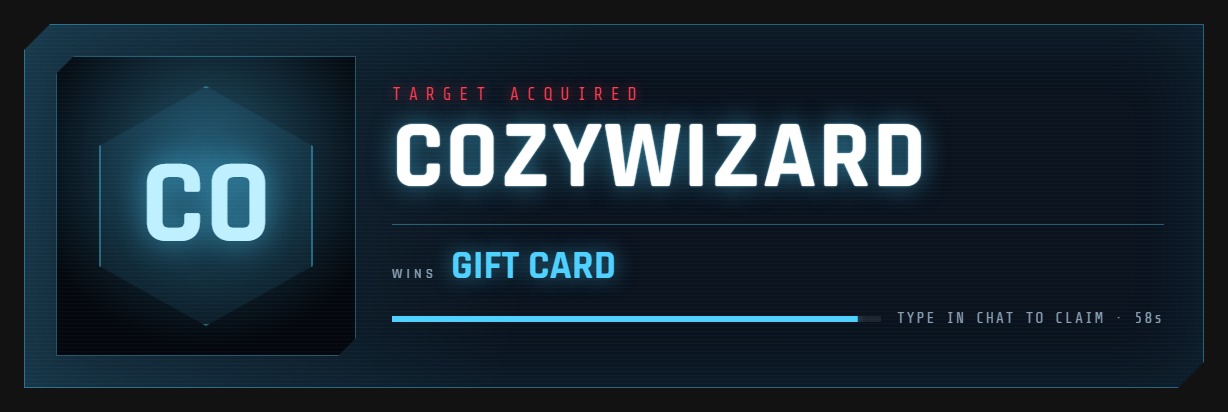
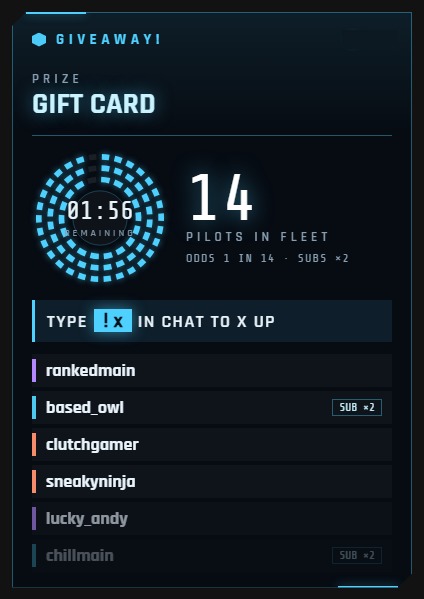
The commands
!gw start 2m Gift card | Opens entries for two minutes. |
!x | What viewers type to enter. Change it to any word you like. |
!gw time +30s | Adds time while entries are open. |
!gw close | Closes entries early. |
!gw draw | Picks the winner, on stream. |
!gw reroll | Picks someone else. |
Your moderators can use these too, and so can anyone else you add.
Thirteen ways to draw
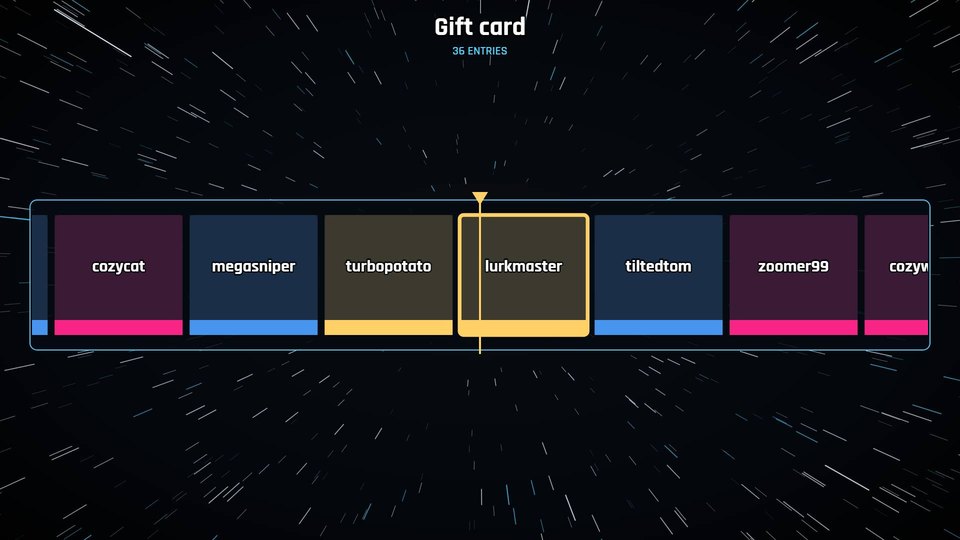
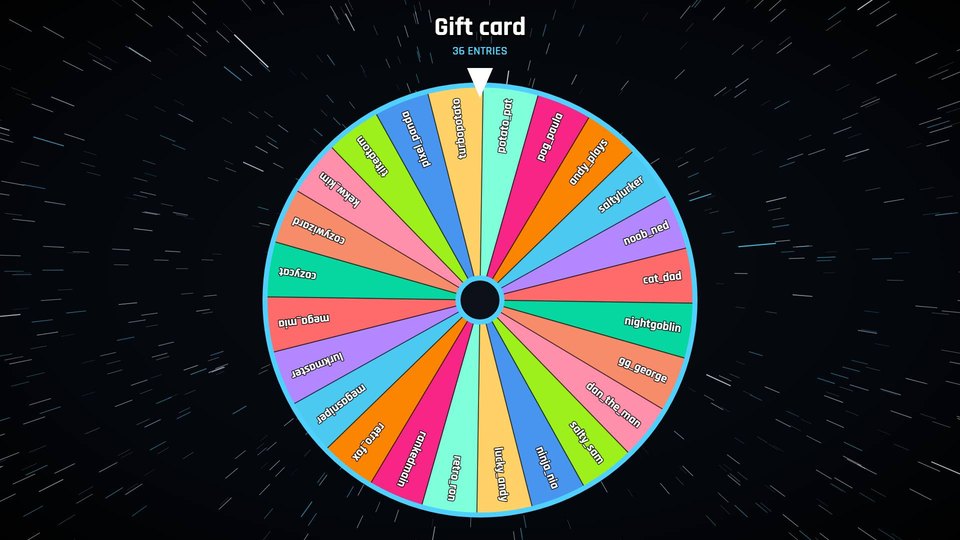
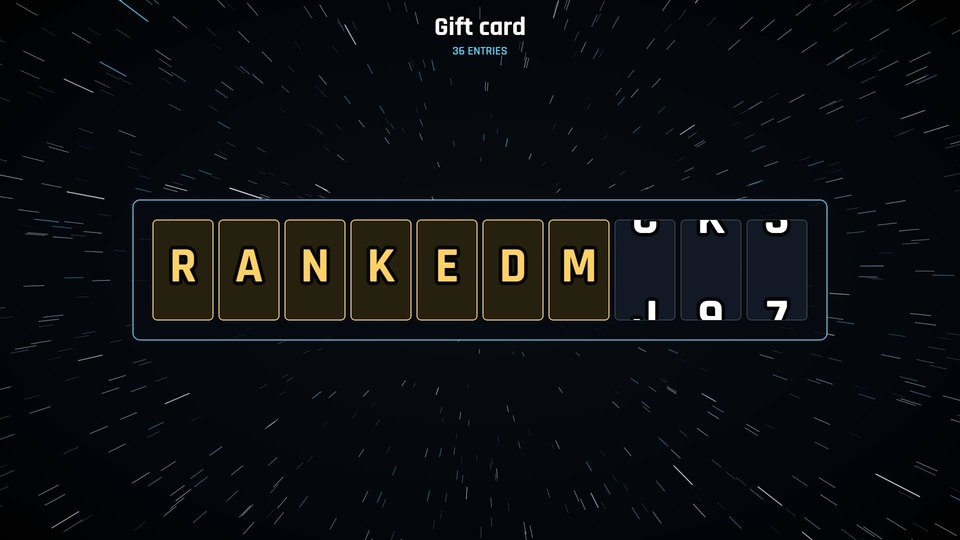
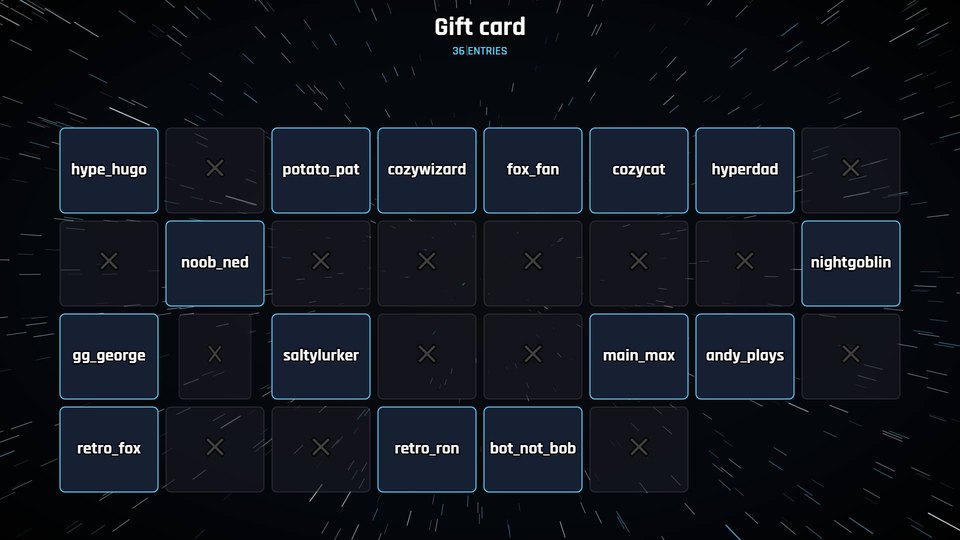
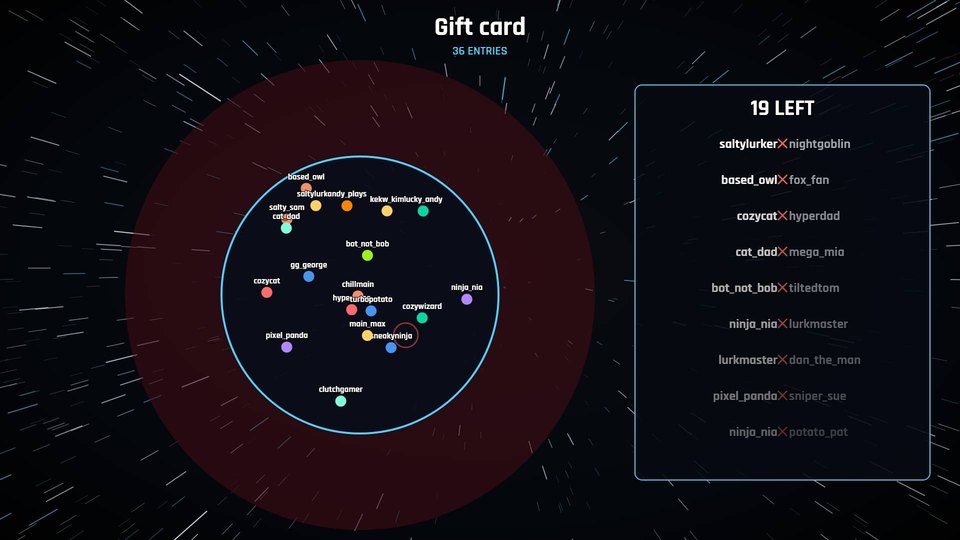
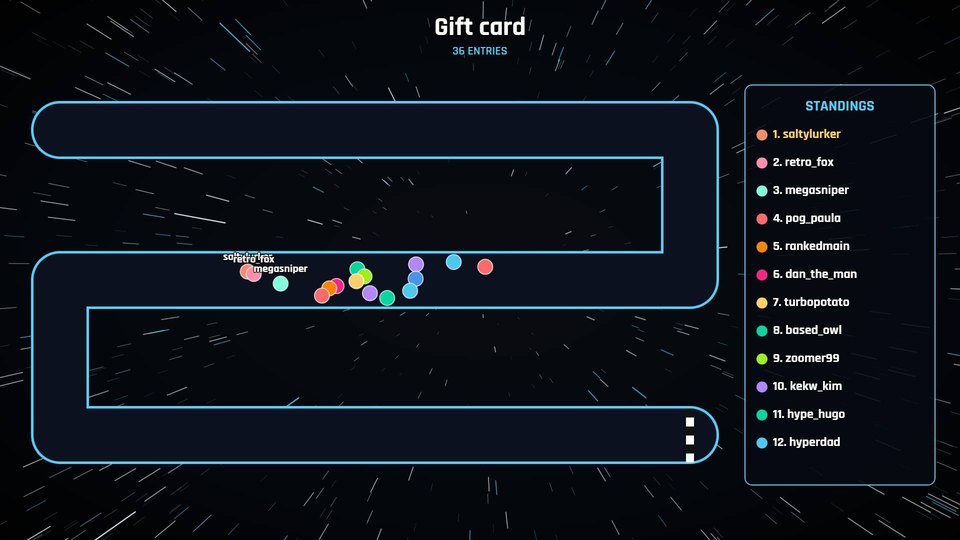
Also Plinko, claw machine, tournament bracket and raffle drum, plus three EVE Online styles: Hacking, HyperNet Relay and Target lock.
Settings
- Who can enter
- Everyone, followers only or subscribers only. Common bots are ignored.
- Odds
- Give subscribers up to five tickets each, or keep it even.
- Timer
- Close entries by hand or after up to 15 minutes, and draw automatically when time runs out.
- Claiming
- Allow 30 seconds to 5 minutes, and choose a word the winner has to type.
- Chat messages
- Post in chat when entries open and close, and who won.
- Look
- Six colour themes, any corner of the screen, 720p up to 4K.
Setting it up
- Log in with Twitch or Kick, then connect the other one from your dashboard if you use both.
- Choose your settings and copy your overlay link.
- In OBS, add a Browser source and paste the link. It sits on top of your game, and everything outside the panels is transparent.